Quick TakeArticle at a glance
- The GTA 6 PS5 update you need before the game will launch at all is system software 14.23, and it's easy to miss because preloading GTA 6 doesn't install it for you.
- Sony pushed the update, officially PS5 system software 26.07-14.23.00, in the days before GTA 6's November 19, 2026 release.
- Most PS5s grab firmware 14.23 on their own the next time they're online, but if yours hasn't and GTA 6 refuses to open, don't wait around for it.
The GTA 6 PS5 update you need before the game will launch at all is system software 14.23, and it’s easy to miss because preloading GTA 6 doesn’t install it for you. If Grand Theft Auto VI won’t start on your PlayStation 5 today, check your system software version first — that’s the fix behind the vast majority of launch-day reports.
Sony pushed the update, officially PS5 system software 26.07-14.23.00, in the days before GTA 6’s November 19, 2026 release. It has to be installed and running before the game will boot, separate from any of GTA 6’s own day-one patches. A fully preloaded copy of the game does not install it automatically — it’s a console-level update you have to grab yourself through the PS5’s own settings menu. That matters for a lot of people: Sensor Tower estimated GTA 6’s digital pre-orders at roughly 15.8 million copies as of November 18, 2026, with PlayStation accounting for about three-quarters of them.
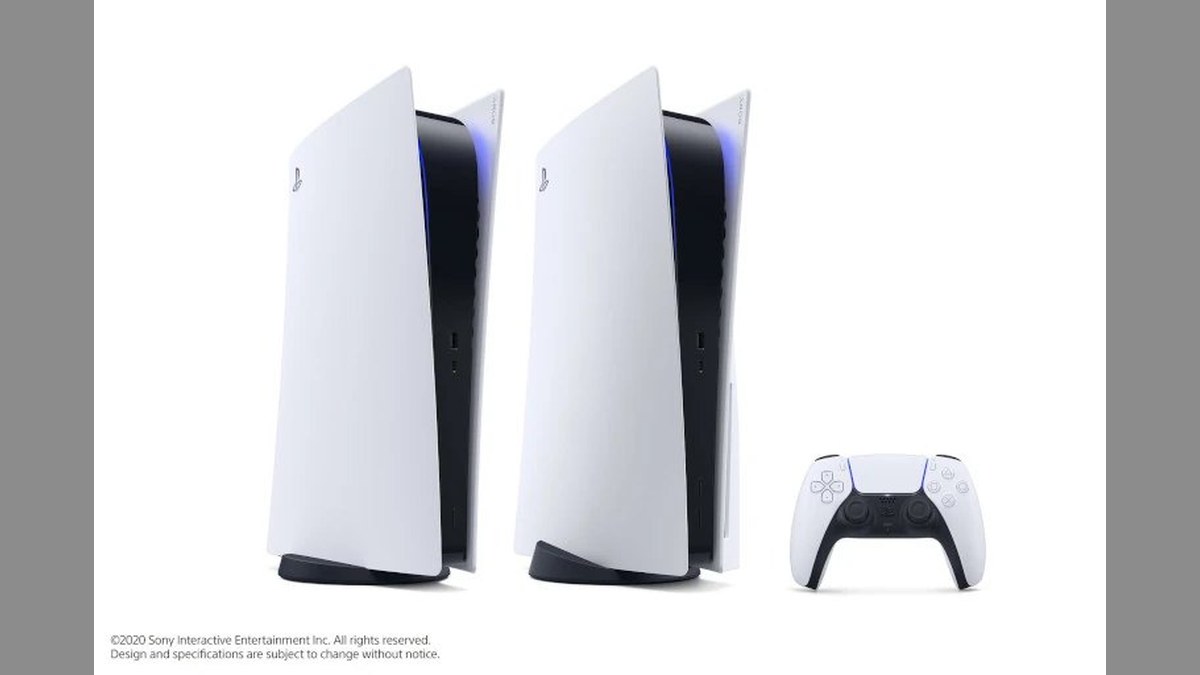
How to Install the Update Manually
Most PS5s grab firmware 14.23 on their own the next time they’re online, but if yours hasn’t and GTA 6 refuses to open, don’t wait around for it. You can pull the update manually from the console’s own settings menu in under a minute, and it works the same whether you’re on a standard PS5 or a PS5 Pro:
- Open Settings from the PS5 home screen.
- Go to System.
- Select System Software.
- Choose System Software Update and Settings, then confirm the download.
- Restart the console once the install finishes, then launch GTA 6 again.
If GTA 6 still won’t launch after the install finishes, double-check the game itself finished downloading before you troubleshoot anything else — a half-downloaded preload fails the same way a missing firmware update does.
Why Does a Launch Day Game Need a Separate System Update?
Sony’s own patch notes describe firmware 14.23 only as delivering unspecified “security fixes to the system software,” and neither Sony nor Rockstar has explained on the record why it’s specifically required to run GTA 6. GamesRadar has reported that the timing lines up with anti-piracy concerns — a last-minute system-level update is a plausible way to make it harder for hackers to dump a disc-based copy of the game before launch, though that’s the outlet’s read on the situation rather than a confirmed reason from Sony.
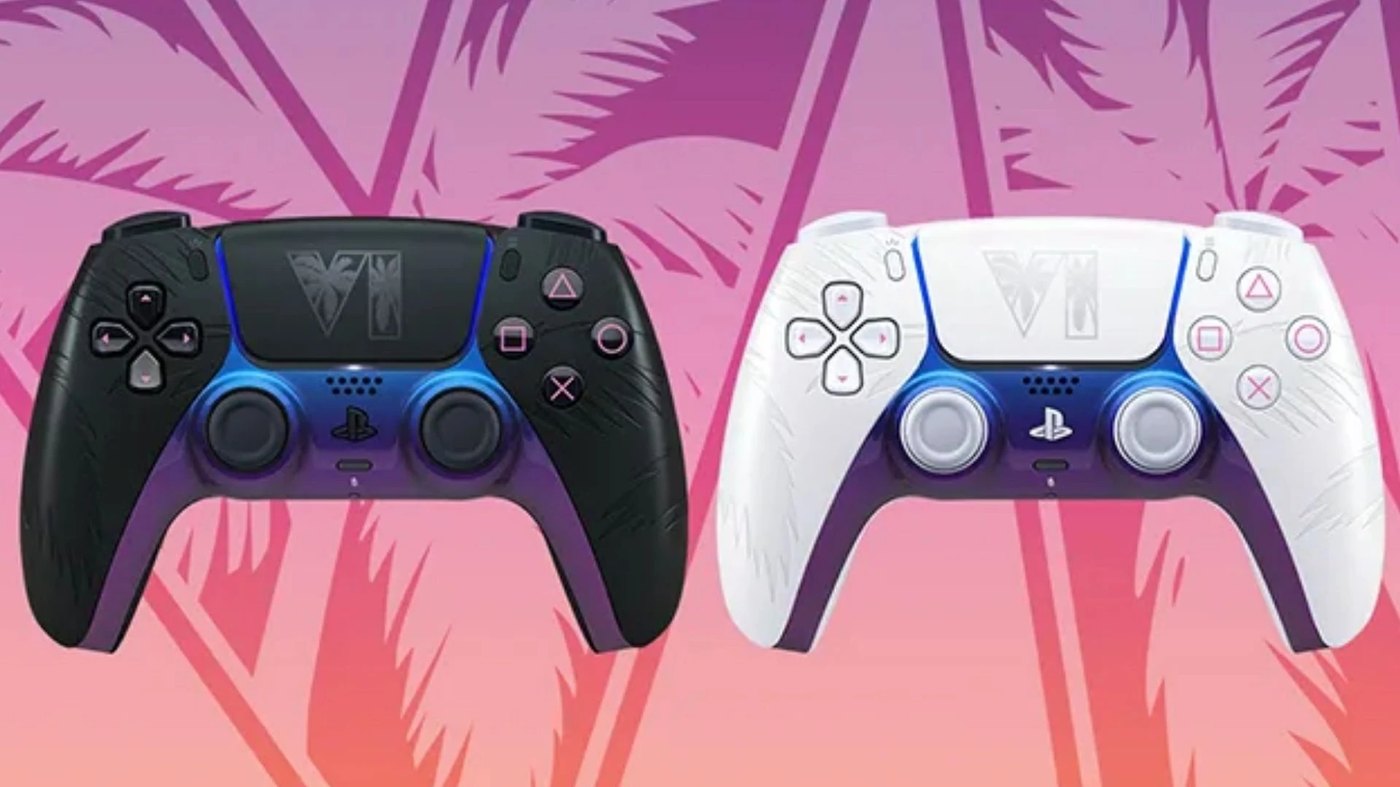
This Is a PS5-Only Problem
Xbox Series X|S owners aren’t dealing with a mandatory system firmware update for GTA 6. If GTA 6 won’t launch on Xbox, firmware 14.23 isn’t the cause — that update is specific to PlayStation 5. Check that the game itself is fully downloaded and current instead.
Rockstar did ship its own day-one game patches on both platforms in the week before launch: a 2.18 GB update on November 13, 2026, and a second, roughly 1.6 GB update on November 16, 2026. Those are ordinary game patches available through each platform’s store, not a console-level requirement the way PS5’s firmware 14.23 is. Our full release-date and platform guide has the download sizes and store links for every version if you’re still getting set up.
Frequently Asked Questions
What PS5 update do I need to play GTA 6?
System software update 26.07-14.23.00, also called firmware 14.23. It’s a PS5 console update, separate from GTA 6’s own game patches, and the game will not launch without it.
Does preloading GTA 6 install the required PS5 update?
No. Preloading downloads the game itself, but firmware 14.23 is a separate system-level update you have to install through Settings > System > System Software before the game will start.
Why won’t GTA 6 launch on my PS5 even though it’s fully downloaded?
The most common cause is a missing system software update. Go to Settings, System, System Software, then System Software Update and Settings, and install the latest version before trying again.
Is the mandatory update the same on Xbox Series X|S?
No. Xbox doesn’t have an equivalent mandatory system firmware requirement for GTA 6. Xbox players instead received their own day-one game patches directly from Rockstar.
Has Sony explained why firmware 14.23 is required for GTA 6?
Not officially. Sony’s patch notes describe it only as a security update. GamesRadar has reported it may be tied to anti-piracy measures around the game’s launch, but that’s outlet speculation, not a confirmed reason from Sony or Rockstar.
One console update is a small price for launch day on the biggest release of the year. Install it, reboot once, and GTA 6 should open normally — if it still doesn’t, the fix almost certainly isn’t your copy of the game, it’s that update. Once you’re in and looking for something to actually do with it, our ranked guide to every GTA 6 radio station is a good place to start the first drive.
Sources: GamesRadar’s report on the mandatory update, Player.One’s confirmation that preloading doesn’t install it, Tech Times’ coverage of GTA 6’s day-one game patches, TweakTown’s report on Sensor Tower’s pre-order estimate.