Quick TakeArticle at a glance
- GTA 6 Xbox auto-upload bans are hitting players over clips their console uploaded automatically, not clips they chose to share.
- It's an Xbox feature that's been sitting in your settings the whole time, and the biggest, most-screenshotted launch of the generation is the first time most players have run into it.
- Reports started spreading on Reddit's r/xbox within days of GTA 6's November 19, 2026 launch.
GTA 6 Xbox auto-upload bans are hitting players over clips their console uploaded automatically, not clips they chose to share. Xbox’s Capture & Share feature can auto-upload gameplay footage to the Xbox network in the background, and several players say an innocuous clip from Vice City’s beach was enough to trigger a suspension lasting about 2 days, starting within days of the game’s November 19, 2026, launch. Microsoft has not announced a GTA 6-specific policy — this is player-reported, not officially confirmed — but turning the setting off takes 20 seconds.
Here’s the thing: this isn’t a GTA 6 bug. It’s an Xbox feature that’s been sitting in your settings the whole time, and the biggest, most-screenshotted launch of the generation is the first time most players have run into it.
What’s Actually Happening
Reports started spreading on Reddit’s r/xbox within days of GTA 6’s November 19, 2026 launch. One widely shared post described a two-day, unrepealable suspension triggered by a 28-second clip of GTA 6 characters at the beach, auto-uploaded without the player ever opening the share menu (GTAboom). Other players have reported suspensions over clips with no nudity at all.
The mechanism is Xbox’s own Capture & Share system, which can automatically upload recent clips and screenshots to the Xbox network without the player manually posting anything. Those auto-uploads still get checked against Xbox’s Community Standards, which bar sexual content from the shared network regardless of the game’s own content rating — so a clip from an M-rated game can still trip the filter.
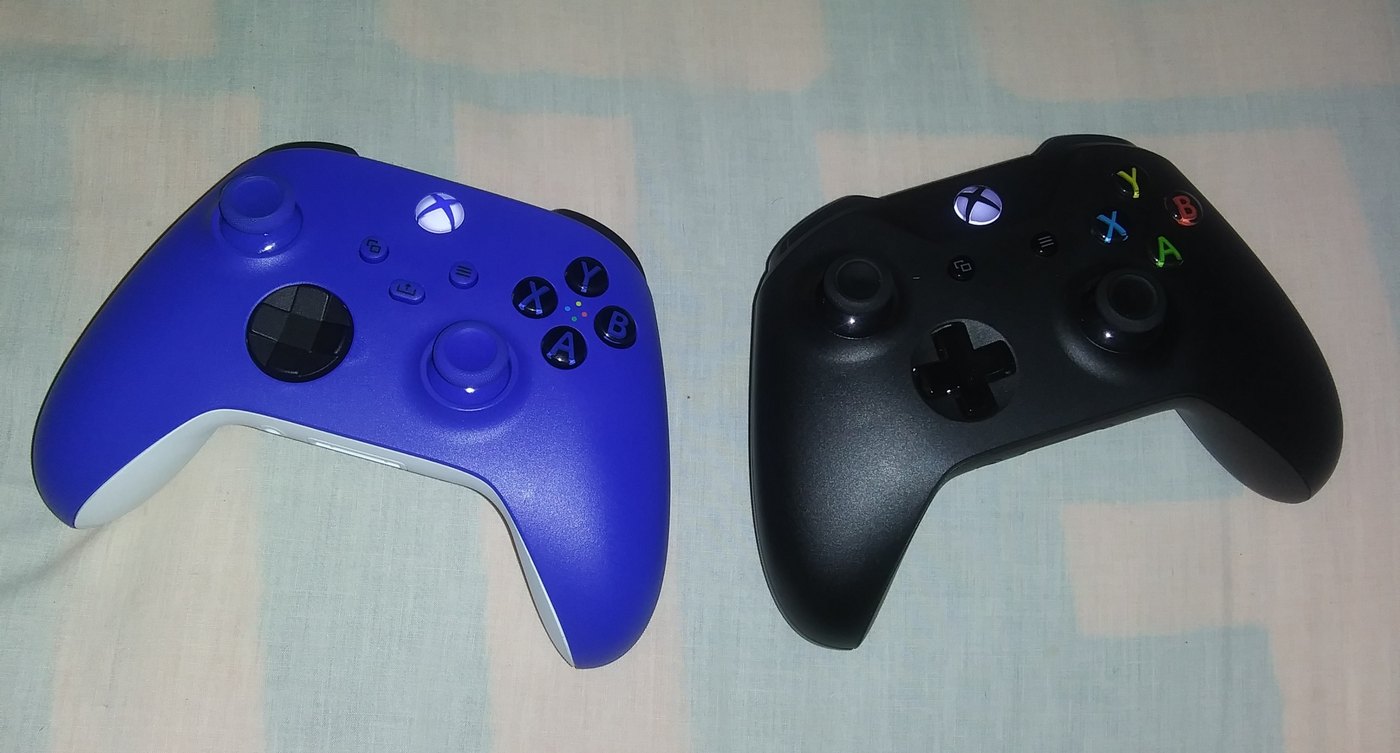
How to Turn Off Auto-Upload on Xbox Series X|S
| Step | What to Do |
|---|---|
| 1 | Open Settings from the Xbox guide (press the Xbox button, go to Profile & system) |
| 2 | Go to Preferences |
| 3 | Select Capture & share |
| 4 | Set Automatically upload to Don’t upload |
With auto-upload off, your captures still save to the console as usual — nothing stops recording. They just stop leaving your Xbox on their own, which means nothing reaches the Community Standards filter unless you deliberately share it.
Has Microsoft Confirmed a GTA 6-Specific Policy?
No. As of this writing, Microsoft hasn’t issued a statement naming GTA 6 or confirming that ordinary gameplay screenshots are triggering suspensions (GamesRadar+). What’s documented is the existing, general-purpose Community Standards policy, applied by an automated filter to a much larger volume of GTA 6 clips than any other game is generating right now. Treat the specific ban reports as player-sourced until Xbox comments directly, but treat the fix as worth doing either way — it costs nothing and prevents the scenario entirely.
GTA 6 has already set records this launch window — see our coverage of its record-tying 99 Metacritic score and the separate mandatory PS5 update some players needed before the game would even launch. A console setting most players never open is a smaller story than either of those, but it’s the one that can actually cost you two days of access over nothing you did on purpose.
Frequently Asked Questions
Why am I getting banned for GTA 6 clips on Xbox?
Xbox’s Capture & Share feature can auto-upload your gameplay clips to the Xbox network without you choosing to share them. Those uploads are checked against Xbox’s Community Standards, which bar sexual content regardless of a game’s own rating, and some auto-uploaded GTA 6 clips have triggered suspensions as a result.
How long does the Xbox suspension last?
Player reports describe a roughly two-day suspension that could not be appealed. Microsoft has not published an official duration or appeals process specific to this situation.
How do I stop GTA 6 clips from auto-uploading on Xbox?
Go to Settings, then Preferences, then Capture & share, and set Automatically upload to Don’t upload. Your clips still save locally; they just stop leaving the console on their own.
Does this affect PlayStation 5 players too?
The reports and the Capture & Share auto-upload mechanism described here are specific to Xbox Series X|S. This article covers the Xbox-side reports only.